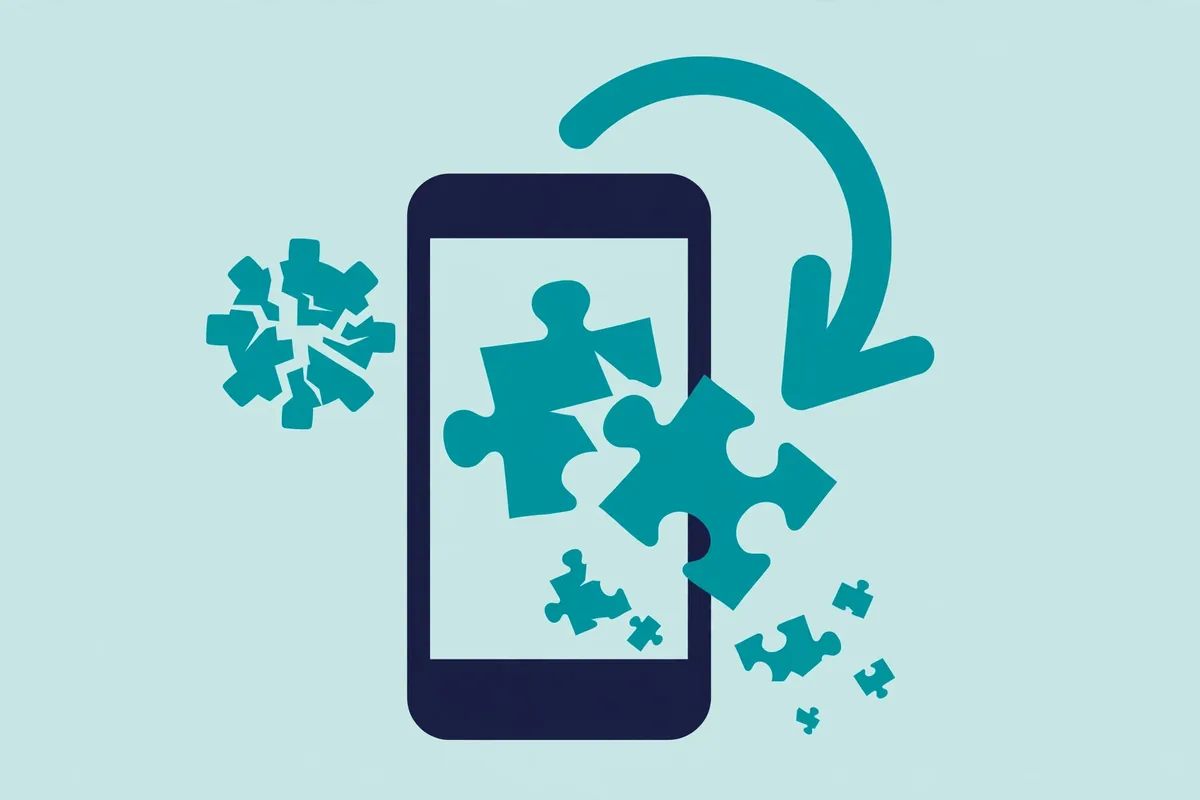
Why Do Free Fire Mods Stop Working After Every Update?
Introduction
Every Free Fire update follows the same script for mod users: the game patches overnight, and by morning the mod menu won’t open, the game crashes, or the cheats do nothing. Why do Free Fire mods stop working after every update?
Quick answer: A mod is built from one specific version of the game’s files. Each official update rewrites parts of that code, so the mod’s changes no longer line up — features break or the app crashes. Updates also refresh anti-cheat detection, and distributors need days or weeks to rebuild. During that gap, most “updated mod” downloads are scams or malware.
Below: what updates change, why mods cannot survive them, why post-patch “new version” downloads are dangerous, and what works instead. For background, see our mod menu explainer.
What a Mod Is Actually Built From
A Free Fire mod menu is not a standalone program — it is the official game client, taken apart and stitched back together with extra code. Third-party developers start from one specific release, modify its files, and repackage the result as an APK.
That starting point matters: every change the mod makes targets exact locations in that one version’s code. The mod and that version fit like a key in a lock — and each official update changes the lock’s shape.
Why Each Update Breaks the Fit
Updates do more than add skins and events — under the surface, they rearrange the code mods depend on. Four things typically happen:
The code the mod patched gets rewritten
Modders build against specific code in the old version. Updates routinely move, rename, or delete those sections. When the mod looks for code that is no longer where it expected, features fail or the game crashes. The mod did not “expire”; the ground beneath it moved.
File integrity checks catch the mismatch
Online games commonly verify installed files against the official release. After an update, a modded client fails these checks because its files are altered — the game may refuse to launch, force a re-download, or flag the account.
Anti-cheat detection gets refreshed
Publishers routinely ship detection updates alongside patches. A mod that dodged the old detection may carry exactly the fingerprints the new version scans for — so the update that breaks a mod can also be the one that gets its users banned. See our ban-risks guide for how enforcement typically unfolds.
Server-side changes stay out of reach
Some updates change things on the publisher’s servers — matchmaking, events, currency. No file on your phone can override server decisions, so affected mods stop working the moment the server side changes. Same reason diamond mods never work: the server holds the real records.
The “Updated Mod” Treadmill
After every patch, distributors start over: take apart the new version, find where the changed code now lives, rebuild their modifications, test that it runs. That takes days at best, weeks after big updates.
The result is a predictable gap: the official game updates instantly, while a working mod may not exist for a long while. Players then face three bad options — play clean, run the old mod against the new game (crashes or triggers detection), or hunt an “updated” mod from a stranger. The third is where most damage happens.
Why Post-Update “New Mod” Downloads Are Prime Scam Bait
Scammers exploit the demand surge after every patch:
- Repackaged old versions. Many “updated” uploads are simply the previous broken mod with a new label. It still crashes — or worse, it now carries malware the original did not have.
- Password and “key” scams. Fake updates lock downloads behind paid passwords or “VIP keys” sold through messaging apps. Buyers pay for a file that never works — no receipts, no refunds.
- Survey and verification loops. “Complete two offers to unlock the new mod” pages earn the uploader affiliate revenue. The download never arrives, because a working updated mod may not even exist yet.
- Malware timed to the hype. Security researchers have long documented malicious files riding popular game updates. A fake mod released hours after a patch reaches the most desperate audience — players willing to disable Play Protect and grant any permission to get cheats back.
The pattern repeats every cycle: demand spikes, legitimate supply lags, scammers fill the gap. If a “new mod” appears suspiciously fast after a major patch, that speed is itself a red flag — genuine rebuilding takes longer than a few hours.
Re-Installing Fresh Mods Keeps Risking Your Account
Some players treat each update as a fresh start: new patch, new mod, clean slate. The publisher’s systems disagree — every modded client runs against current detection, and detection improves with each patch.
Consider the arithmetic. Each update forces you to find a new mod from a new distributor, install another unverified APK with broad permissions, and log in through another unofficial build. Every cycle multiplies your exposure: more chances to install malware, more chances to hand credentials to a stranger, more chances for anti-cheat to flag the account. Chasing mods across update cycles accumulates risk; it never resets it.
Permanent bans erase everything tied to the account — rank, skins, diamonds bought with real money, event progress. No mod feature is worth rebuilding all of that from zero, and “it worked fine last season” says nothing about the next patch. Ban waves often arrive quietly and strike many accounts at once, long after the cheating happened.
The Only Update That Never Breaks
There is one update path with zero breakage, zero malware risk, and zero ban risk: the official update from the Google Play Store. It arrives automatically, keeps your account safe, and works on day one — no waiting for a distributor, no passwords, no disabled security settings.
Official updates bring what players actually want: balance changes, new characters, events, performance fixes. The players who stay competitive across every patch are the ones whose accounts survive every patch. For more honest gaming guides, browse our homepage.
Frequently Asked Questions
Why did my Free Fire mod stop working right after the update?
The update rewrote game code your mod was built against, so its changes no longer line up — features fail or the game crashes. This happens with nearly every significant patch.
How long does it take for an updated mod to appear?
No fixed timeline. Rebuilding for a new version takes days at best, weeks after major changes. Anyone promising an instant working update is almost certainly lying.
Can I keep using the old mod if I don’t update the game?
No. Servers reject outdated clients, so skipping the update means you cannot play at all. There is no way to stay on the old version and keep playing.
Are “updated mod” downloads safe?
No. Files outside the Play Store skip Google’s screening and can carry spyware or credential stealers. Post-update demand attracts scammers, so the risk peaks exactly when you want the file most.
Will I get banned for reinstalling a mod after each update?
Each modded client is a separate violation, and detection updates ship with patches. Enforcement ranges from temporary suspension to permanent and device-level bans — which erase your rank, skins, and purchased diamonds.
What should I do instead of hunting for updated mods?
Update through the Play Store and play the official version. Tune sensitivity, practice in the training grounds, follow official events for rewards. Your account and progress stay safe — and no patch can take legitimate skill away.
Conclusion
Free Fire mods stop working after every update because they are built from one specific version of the game’s code, and each patch rewrites the ground beneath them — changed code, new integrity checks, refreshed anti-cheat, unreachable server-side systems. Distributors need days or weeks to rebuild, and the gap fills with repackaged fakes, paid-key scams, and malware timed to peak demand. Chasing a fresh mod each cycle does not reset your risk; it multiplies it.
The update was never the enemy. Install it from the Play Store, keep the account you built, and let skill — not a borrowed menu — carry you through the next season. For more straightforward gaming explainers, start with our Earn Game homepage.