EasyPaisa Withdrawal Pending or Stuck in Earn Game? What to Do
Introduction
Your withdrawal says “pending” and your EasyPaisa balance has not moved. That wait usually has a mundane explanation — a wrong number, a review queue, or a processing window that has not closed yet.
Quick answer: First check the withdrawal status inside the app and note the stated processing window. Then verify the EasyPaisa number you entered, check your EasyPaisa account history directly, and wait out the full window before contacting support with your transaction reference. Do not submit a second request while the first one is pending, and never share OTPs or wallet PINs with anyone claiming to help.
Below are the common reasons withdrawals get stuck, the steps to take in order, and how to avoid the problem next time. For background on the platform itself, see our main Earn Game guide.
Free download for Android • 18+ only
Why EasyPaisa Withdrawals Get Stuck
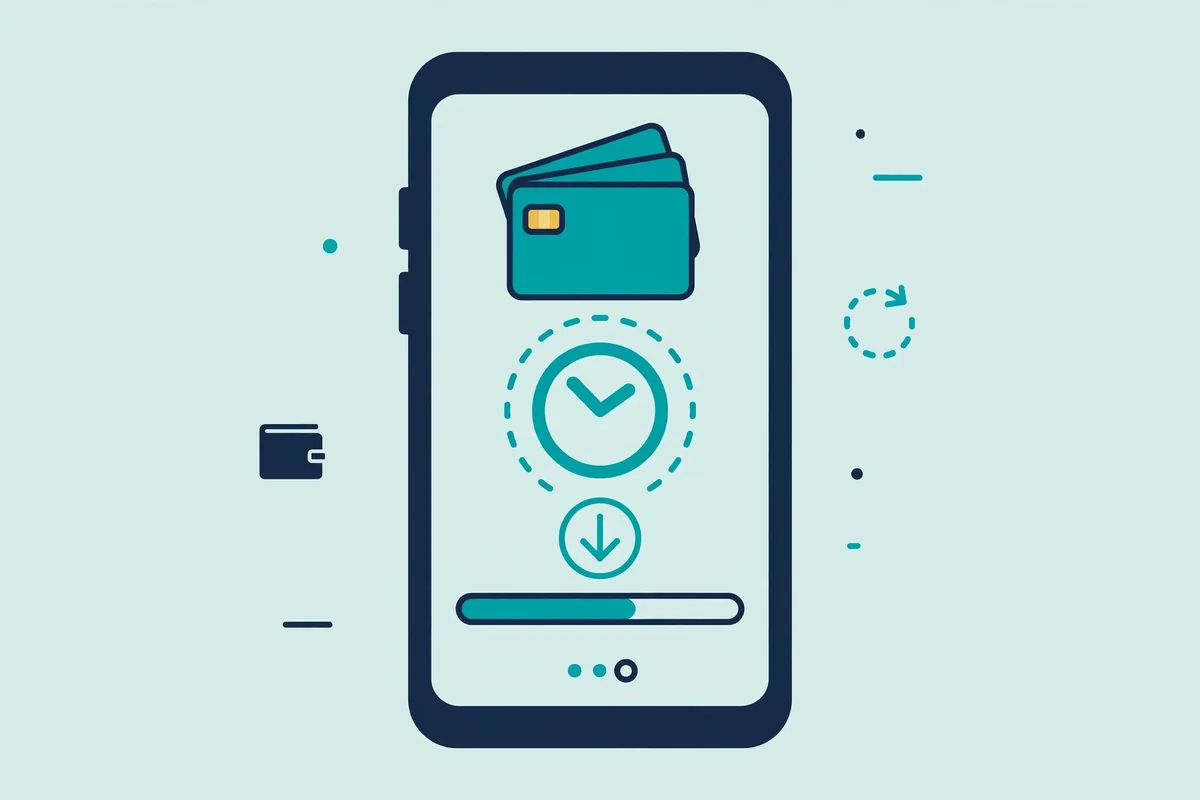
A “pending” status means the request left your account but has not finished processing — usually one of these causes.
The EasyPaisa number is wrong or does not match
This is the most common cause: a single digit typed wrong can send the transfer into a failed state that shows as pending. Some platforms also require the withdrawal number to match the registered account number, so double-check it character by character before confirming.
The amount falls below the app’s minimum
Most earning apps set a minimum withdrawal amount, and requests below it either fail or sit in limbo. Check the current minimum on the app’s withdrawal page before submitting — we cannot state a fixed figure because the app can change it.
The request is sitting in a review queue
Platforms often review withdrawal requests manually, especially first-time withdrawals or larger amounts. During busy periods this queue grows, and your request simply waits its turn. A review queue is normal on many real-money platforms; it is not by itself proof that something is wrong.
The app or payment system is under maintenance
Scheduled maintenance or temporary gateway issues pause processing for everyone at once. When that happens, many users report stuck withdrawals at the same time — so check in-app notices before assuming your request failed.
The account is not fully verified
Some platforms hold withdrawals until the account completes verification — a registered mobile number, identity checks, or similar steps. Skipped any of these during signup? The withdrawal can stall until you complete them.
You already have another request pending
Many apps process one withdrawal at a time per account. If you submitted a second request while the first was still pending, both can jam up — the app then shows both as stuck even though the duplicate is the real problem.
What to Do When Your Withdrawal Is Pending
Work through these steps in order. Most stuck withdrawals resolve at one of the first four.
- Check the status inside the app. Open the withdrawal or transaction history section and read the exact status — pending, processing, under review, and failed all need different responses.
- Confirm the stated processing window. The app’s withdrawal guide or withdrawal page states how long processing takes — if the window has not closed, waiting is usually the only correct move.
- Verify the EasyPaisa number you entered. Open the request details and compare the number digit by digit with your actual EasyPaisa account number. If you spot an error, note it for the support ticket below.
- Check your EasyPaisa account directly. Open the EasyPaisa app and review your transaction history and SMS alerts — the money sometimes arrives while the game app’s status still lags behind.
- Wait out the full window before acting. If the window has not closed and everything above checks out, give it the stated time — repeated tickets during the normal window do not help.
- Contact support with your transaction reference. Once the window has passed, raise one ticket through the app’s official support channel with your username, amount, date and time, the EasyPaisa number used, and the transaction reference or request ID. One detailed ticket resolves faster than several vague ones.
What NOT to Do With a Pending Withdrawal
Panic leads to mistakes that make recovery harder. Avoid these:
- Do not submit a duplicate request. A second request while the first is pending can jam both, and if both somehow process, you risk accounting problems that are harder to untangle.
- Do not share OTPs or wallet PINs. No genuine support agent needs your SMS code, EasyPaisa PIN, or MPIN. Scammers exploit stuck-withdrawal panic by posing as support on WhatsApp or Telegram — anyone who contacts you first asking for codes is a scammer.
- Do not pay a “release fee.” A common scam shows a pending balance, then demands a “tax” or “verification charge” to release it. Real withdrawals never ask you to deposit extra money to access funds already yours.
- Do not trust unofficial “support” numbers. Use only the support channel inside the official app. Random WhatsApp contacts offering to “fix” your withdrawal are a well-documented scam pattern.
Preventing Stuck Withdrawals Next Time
A few habits eliminate most withdrawal problems before they start:
- Save and reuse one verified number. Enter your EasyPaisa number once, verify it carefully, and reuse it instead of retyping it each time.
- Meet the minimum in one request. Check the current minimum on the app’s withdrawal page and submit a single request above it, rather than several small ones.
- Complete account verification early. Finish every verification step the app asks for — number binding, identity checks, anything else — before your first withdrawal, not after it gets stuck.
- Keep your transaction references. Screenshot or save the request ID for every withdrawal. If something goes wrong, that reference is the first thing support will ask for.
One reality check: real-money platforms in Pakistan publish limited documentation, so times and limits can change without notice. Read the app’s own withdrawal page each time — our honest breakdown of what’s verifiable covers this in more detail.
Frequently Asked Questions
How long does an EasyPaisa withdrawal from Earn Game take?
We cannot state a fixed time — the app publishes no verifiable processing window, and it can change. Check the withdrawal page inside the app for the current stated window, and treat anything beyond that window as the point to contact support.
Why does my withdrawal show “pending” for hours?
Usually it is in a review queue, the processing window has not closed, or the system flagged it for manual checks. Verify the number, check your EasyPaisa history, and wait out the stated window before raising a ticket.
Can I cancel a pending withdrawal and retry?
That depends on the app — not all platforms offer cancellation. If the option exists inside the app, cancel and resubmit with a corrected number. If it does not, contact support rather than forcing a duplicate request.
What should I do if the money left the app but never reached EasyPaisa?
First confirm it actually left — check the app’s transaction history for a “completed” status. Then review your EasyPaisa history thoroughly, including SMS alerts you might have missed. If the app says completed but EasyPaisa shows nothing after the stated window, contact support with the transaction reference and ask for a trace.
Is it safe to share my EasyPaisa details with the app’s support?
Sharing your account number through the official in-app support channel is normal. Sharing OTPs, PINs, or passwords with anyone — including someone claiming to be support — is never safe. Real support never asks for those.
Will submitting the request again make it arrive faster?
No — it usually does the opposite, jamming both requests and complicating the accounting. Fix the first request instead: verify the number, complete verification, or wait out the window.
Free download for Android • 18+ only
Conclusion
A pending EasyPaisa withdrawal is stressful, but it usually traces back to a wrong number, a review queue, or a processing window that has not closed yet. Check the status, verify your number, confirm your EasyPaisa history, and give the stated window time to run. If it still has not cleared, one detailed support ticket with your transaction reference is the right move — not a duplicate request, and never your OTP.
Real-money gaming is 18+ only and should stay entertainment, not income. Set limits and keep your account details to yourself.