Earn Game Referral Program: How Invites and Rewards Work
Introduction
Friends often introduce new players to Earn Game through an invite link. That link belongs to the Earn Game referral program. It lets existing users invite others and earn rewards when those invites succeed.
Quick answer: The program gives you a personal invite link. When someone registers through your link and completes the required steps, the app credits a reward to your balance. However, rewards always depend on the terms currently active, so check the referral section inside the app before you share.
This guide explains where you find your link, how the app credits rewards, which rules apply, and how you fix common problems. If you are new to the platform, start with our main Earn Game guide first.
Free download for Android • 18+ only
How the Earn Game Referral Program Works
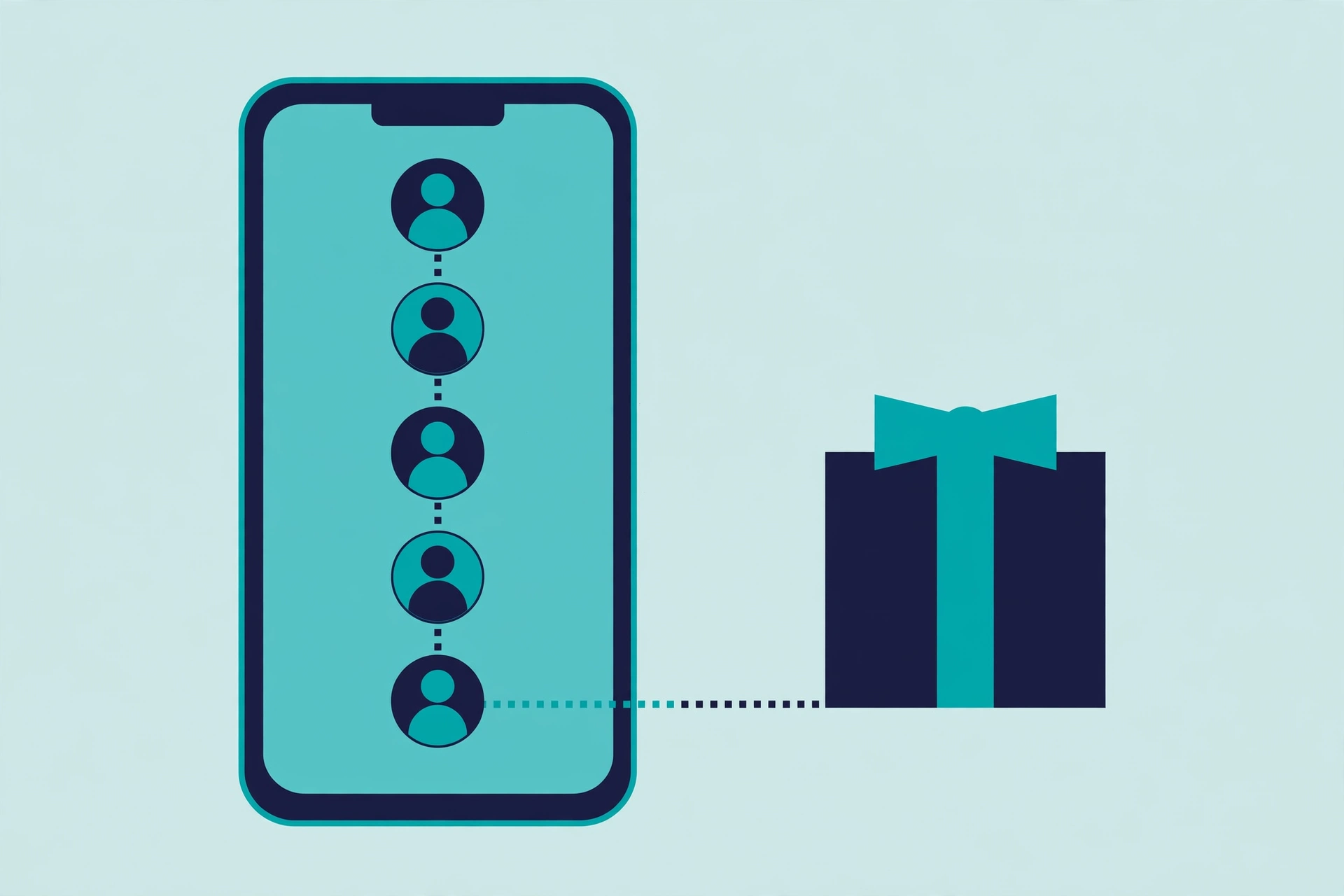
The idea is simple. Every registered user receives a unique invite link or referral code. You share that link, someone installs the app through it, and the system records you as the referrer. After that, the new user needs to complete specific steps. Once they do, you qualify for a reward under the current terms.
Three points matter most:
- The app ties rewards to actions, not just clicks. Sharing a link alone changes nothing. The new user typically needs to verify their account or reach a defined activity level first.
- Terms change over time. The platform sets reward amounts and qualifying actions, and it updates them periodically. Therefore, treat any figure you see online as possibly outdated.
- Referral rewards sit apart from gameplay rewards. You earn them by inviting people, not by playing games yourself.
How to Find and Share Your Invite Link
Menu labels vary slightly between app versions, but the flow stays consistent:
- Open the Earn Game app and log in to your account.
- Next, open your dashboard or profile and look for “Referral”, “Invite”, or “Invite Friends”.
- The app displays your unique link or code there. Tap the copy button.
- Finally, share it through WhatsApp, SMS, or whichever messaging app you normally use.
In addition, some app versions show a small activity summary: how many people joined through your link and whether any rewards are still pending.
How the App Credits Referral Rewards
Here is the usual sequence, step by step:
- Your friend registers. They install the app and complete registration with a Pakistani mobile number and SMS verification.
- The system links you as the referrer. Because they used your link or entered your code, the app connects their new account to yours.
- They complete the qualifying actions. Depending on the active terms, they may need to verify the account or reach a set activity level before the app releases any reward.
- You receive the reward. Once they meet the conditions, the app credits the reward to your Earn Game balance. From there, the normal withdrawal rules apply.
The platform does not publish one fixed public reward table, so the figure shown inside your app is the one that counts for you. As a result, ignore screenshots from other people that promise fixed amounts — those often come from older promotions.
Program Rules and Eligibility
Referral programs enforce rules to stop abuse. Always read the current rules inside the app, but expect these standard conditions:
- One account per person. If you create extra accounts to refer yourself, the platform can cancel your rewards and restrict the accounts.
- Invite real, willing people. Adding strangers to groups or spamming links can cause the system to flag your account.
- Respect the age limit. The platform admits users aged 18 and above, and the same rule covers the people you invite.
- Keep your details accurate. Register with your own SIM and correct information. The app can withhold referral rewards during verification when details do not match.
Common Referral Problems and Fixes
Your friend joined, but you received no reward
An unmet condition causes this most of the time. For example, your friend created the account but never completed OTP verification, or they skipped the required activity. First, ask them to confirm full verification. Then give the system some time to update.
The referral link does not work
Usually the link was copied incompletely, or an app update changed the format. Generate a fresh link from the referral section and share it again. If the issue continues, update both phones from the official download page.
A reward stays pending for a long time
A pending status means the system is still verifying the referral. However, if it stays pending beyond a day or two, screenshot your referral history and contact in-app support.
The app removed or cancelled a reward
The system cancels rewards when it detects a rule violation, such as duplicate accounts, or when a promotion ends. Therefore, check the current program terms first. If you believe the system made a mistake, contact support with your referral details.
How to Share Referrals Responsibly
A referral link takes one tap to forward, so use it with care:
- Share with genuinely interested people — friends who enjoy mobile gaming — not random contacts or public groups.
- Never promise guaranteed earnings. Instead, tell people exactly what the program offers and explain that rewards depend on the active terms.
- Do not pay people to sign up through your link. That breaks program rules and can restrict both accounts.
- Keep expectations realistic. Referral rewards work as a small bonus feature, not an income plan — especially when friends and family are involved.
Frequently Asked Questions
Does joining the Earn Game referral program cost anything?
No. Every registered user can open the referral section and share an invite link for free.
How much does each referral pay?
The amount depends on the promotion currently running, and the app shows it in the referral section. Because promotions change, always check the current terms instead of trusting older figures online.
Must my friend deposit money before I receive the reward?
That depends on the qualifying conditions in force. Some promotions only require registration and verification, while others require activity. The app’s referral terms spell out exactly what counts.
Can I refer someone who already owns an account?
No. Referral rewards apply only to new users who join through your link. The system cannot “re-refer” an existing account.
Why does my referral link show an error?
Copying mistakes cause most errors, followed by outdated app versions. Copy a fresh link from the referral section and make sure both phones run the latest version.
May I post my link in Facebook or WhatsApp groups?
You may share it wherever the platform rules allow. Still, avoid spamming public groups. Targeted sharing with interested individuals works better and keeps your account in good standing.
Free download for Android • 18+ only
Conclusion
The Earn Game referral program offers a straightforward way to introduce friends to the platform and earn rewards for successful invites. The key point is simple: the app ties every reward to conditions. The referred person must complete the required steps, and the terms active at the time decide the payout.
So keep your app updated, read the current program rules before you share widely, and share responsibly. If you are new yourself, begin with the main Earn Game guide and the registration walkthrough to understand the full picture first.